

- Tour of the digital drawing studio
- Brushes, erasers and undo magic
- Turning simple shapes into animals and objects
- Color mixing and palettes
- My first digital drawing: a pet portrait
4-Month Creative Tech Program
Digital Art & Animation
Kids draw, design characters, make comics and animate cartoons — then bring their creations to life in 3D with Blender.

Ages 7–143 age-based levels
4 Months16 weeks
Live classes2 live classes / week · 60 min
CertificateDemo Day + certificate
One program fee of $999 covers the full 4-month live program — classes, projects, Demo Day and certificate.
Max 6 kids per class
About the program
What makes it special
Every child is an artist — this program hands them a digital studio. Your child learns to draw and color on screen, design characters with real personality, create comics and make their drawings move, frame by frame, before stepping into 3D animation.
Digital Doodlers (7–8) explore brushes, colors and layers and make their first flipbook animations. Character Creators (9–11) design heroes, tell stories in comic strips and animate cartoon characters frame by frame. 3D Animators (12–14) model, light and animate scenes in Blender and finish with a short animated film. Art skills and storytelling grow side by side.
We use free, kid-friendly creative tools, so no expensive software is needed. Classes are live and small (max 6 kids), every child gets feedback on their own artwork, and each level ends with a Demo Day “gallery show” and a certificate.
Hands-on & project-based
Kids build something real in every single class.
Tiny classes
Max 6 kids per class so every child gets attention.
Clear pathway
Beginner → intermediate → advanced, one level at a time.
What your child will learn
- Draw and color confidently with digital brushes and layers
- Use light, shadow, texture and color to make art pop
- Design characters with expressions, poses and personality
- Tell stories through comics and storyboards
- Animate frame by frame using real animation principles
- Model, light and animate 3D scenes in Blender (ages 12–14)
- Present a finished portfolio piece at Demo Day
Perfect for
- Kids aged 7–14 who love drawing, doodling and cartoons
- Storytellers who dream up characters and worlds
- Future animators, illustrators and game artists
What you need
- No art experience needed — just imagination
- A laptop or desktop with a mouse; a drawing tablet or an iPad with a stylus is helpful but optional
- Ages 12–14: a computer able to run Blender (free) and a 3-button mouse
- Free tools only — we help you install everything in the first class
16-week curriculum
Three levels. One big adventure.
Your child joins the level that matches their age. Each level runs for 4 months and ends with a capstone, Demo Day and a certificate — then they can level up.
- Layers: like sheets of glass
- Clean line art, then color
- Light and shadow
- Patterns and textures
- Paint a dreamy background scene
- How animation fools the eye
- Digital flipbook basics
- The bouncing ball
- Onion skin: see the last frame
- Blinking eyes and waving hands
- Invent your magical creature
- Draw and color your creature
- Animate one tiny move
- Build your storybook pages
- Final Project: Animated creature storybook
- Demo Day & certificate
Final project
Animated creature storybook
My Magical CreatureFlipbook Animation
- Shapes give personality
- Faces and emotions
- Poses and action lines
- Character turnaround sheets
- Design your hero and sidekick
- Panels and speech bubbles
- Story beats: setup, problem, solution
- Camera angles for drama
- Lettering and sound effects
- Mini project: a four-panel comic
- Timeline and frames in Pencil2D
- Squash and stretch
- Walk and jump cycles
- Timing and spacing
- Adding sound and music
- Storyboard your cartoon
- Key poses and in-betweens
- Color and backgrounds
- Test and improve
- Final Project: Animated cartoon short
- Demo Day & certificate
Final project
Animated cartoon short
Comic Strip AdventureAnimated Character Loop
- Navigating the Blender interface
- Meshes and edit mode
- Modifiers that save time
- Low-poly modeling
- Build a low-poly island
- Materials and colors
- Textures and UV basics
- Lighting setups
- Camera framing like a film director
- Rendering your first image
- Keyframes and the timeline
- The 12 principles of animation
- Simple rigging
- A character walk cycle
- Sound and timing
- Storyboard and animatic
- Modeling the assets
- Animating the scenes
- Rendering and editing
- Final Capstone Project
- Premiere screening & Demo Day
- Certificate
Final project
Short animated film
3D Animated ShortLow-Poly Dream World
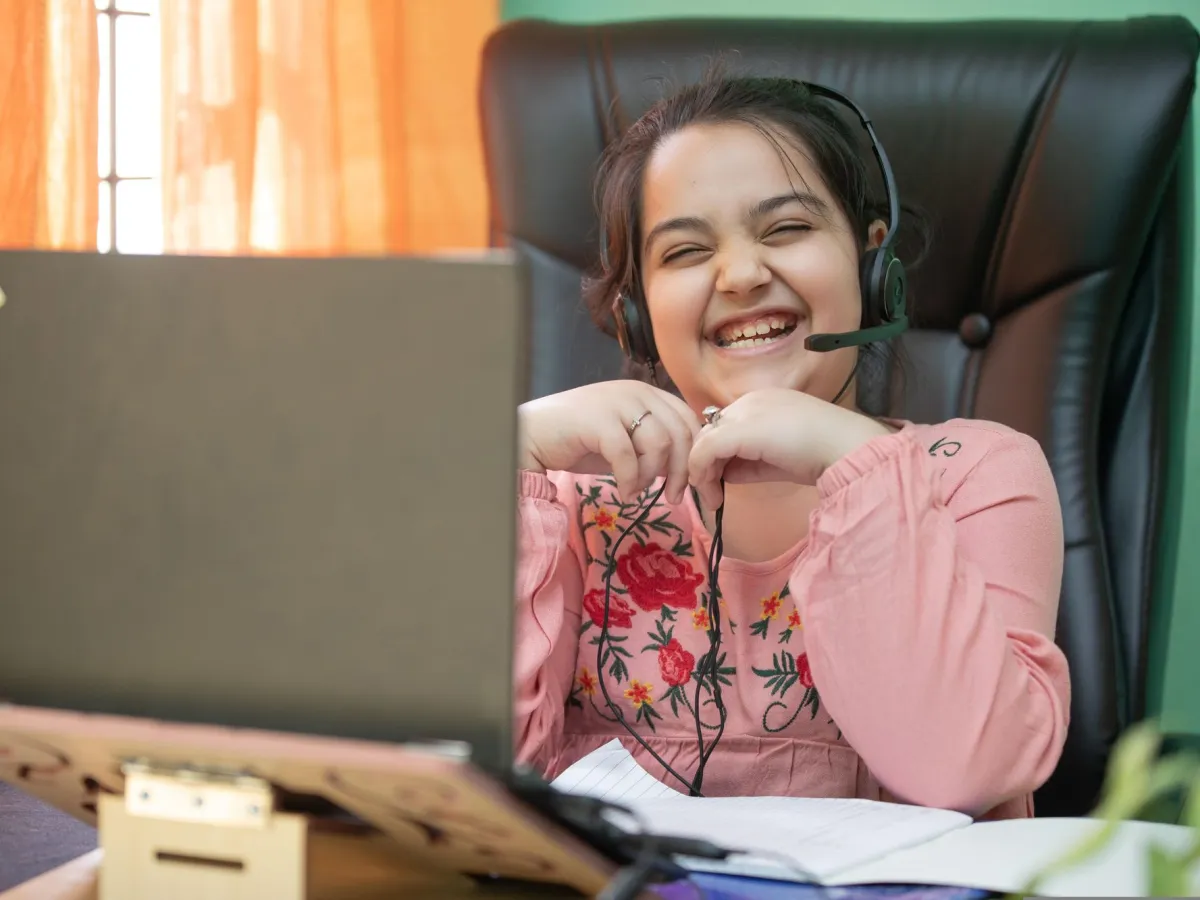

Inside every class
Built for how kids actually learn
Live, expert teachers
Background-checked instructors trained to teach kids.
Learn by building
Every lesson ends with something your child made.
Parent updates
Progress reports and project showcases after every month.
Certificate & Demo Day
Kids present their capstone and earn a certificate.
Tools & kits your child will use
Krita
Autodesk Sketchbook
Krita
Autodesk Sketchbook
Krita
Autodesk Sketchbook
Krita
Autodesk Sketchbook
Krita
Autodesk Sketchbook
Pencil2D
Blender
Pencil2D
Blender
Pencil2D
Blender
Pencil2D
Blender
Pencil2D
Blender
Drawing tablet (optional)
Drawing tablet (optional)
Drawing tablet (optional)
Drawing tablet (optional)
Drawing tablet (optional)
Drawing tablet (optional)
Drawing tablet (optional)
Drawing tablet (optional)
Drawing tablet (optional)
Capstone projects
Things your child will build
Every level ends with a capstone your child plans, builds and presents at Demo Day.

Every level ends with Demo Day
My Magical Creature
Digital Doodler · Ages 7–8
An invented creature drawn, colored and introduced in a mini storybook.
Flipbook Animation
Digital Doodler · Ages 7–8
A short digital flipbook where your drawing bounces, blinks or waves.
Comic Strip Adventure
Character Creator · Ages 9–11
A multi-panel comic starring a hero you designed yourself.
Animated Character Loop
Character Creator · Ages 9–11
Your character walking, jumping or dancing in a smooth looping cartoon.
3D Animated Short
3D Animator · Ages 12–14
A short 3D film with your own characters, camera moves and sound.
Low-Poly Dream World
3D Animator · Ages 12–14
A colorful 3D island or city modelled, lit and rendered in Blender.
Certificate & Demo Day
A certificate they'll frame
Every level ends on stage: your child presents their capstone at Demo Day and receives the Certificate in Digital Art & Animation – 4 Month Program with their level clearly named.
- Digital DoodlerAges 7–8
- Character CreatorAges 9–11
- 3D AnimatorAges 12–14
American Prime Academy
Certificate in Digital Art & Animation – 4 Month Program
This certifies that
Your Superstar
has completed the level
Character Creator — Ages 9–11
Lead teacher
Demo Day

Simple, honest pricing
One price. Everything included.
The full 4-month live program is $999 per child, in US dollars — every live class, project, Demo Day and certificate is included.
school
Enrollment open
Digital Art & Animation
Enroll Now
Program fee — small-group live classes
$999
per child
for the 4-month program
≈ $31 per live class · 32 live classes over 16 weeks
Enroll Now — $999
Secure checkout by Stripe · card & pay-later options
 4-month live program
What’s included
- 4 months of live classes · 32 sessions
- 3 age-based levels — we place your child
- Max 6 kids per live class
- A hands-on project every month
- Certificate of completion
- Demo Day showcase for family
2-week happiness promiseFull refund if it isn’t the right fit.
Sibling discountSiblings save 15% on every program.
Secure Stripe checkoutEncrypted card & pay-later options.





 Powered by

Questions first? Talk to our team
Parent reviews
Families love it
“Aiden used to spend weekends on video games. Now he spends them building robots and explaining sensors to his grandpa. The Demo Day was the proudest moment of our year.”
“The teachers are magical with young kids. Anaya finished her first animated story in week three and has not stopped creating since.”
“Ethan built a weather app that pulls live data. The jump from Scratch to real Python was perfectly paced — challenging but never overwhelming.”
“Mia went from dreading math to asking for extra puzzles. Her school teacher noticed the difference in just two months.”
“Zara trained her own plant-disease detector. The responsible-AI lessons were a big plus for us as parents.”
“Noah published his own Roblox obby and his friends play it every day. He finally understands that games are made, not just played.”
Questions
Parents often ask…
Can’t find your answer? Our parent success team replies within a few hours.

Absolutely. We teach drawing from simple shapes, step by step, and digital tools make it easy to undo and try again. Creativity matters far more than talent.
No. A mouse works for every level and all our software is free. A drawing tablet, or an iPad with a stylus and a drawing app such as Procreate, is a nice extra but never required.
Yes. Every drawing, comic and animation your child makes is saved in their own digital portfolio, ready to share with family and friends — and the best pieces star in the Demo Day gallery show.
Small-group live classes have a maximum of 6 students, so every child gets individual attention.
Every class is recorded for your family, and we offer free make-up sessions so no one falls behind.
Click Enroll Now and pay the program fee — $999 for the full 4-month live program, covering every class, project, Demo Day and certificate. After you enroll, our team confirms the right level and class time with you.
Max 6 kids per live class
Ready to start Digital Art & Animation?
Enroll today — we’ll match your child to the right level and a class time that suits your family. One program fee of $999 covers the full 4 months.

Keep exploring
More adventures to try
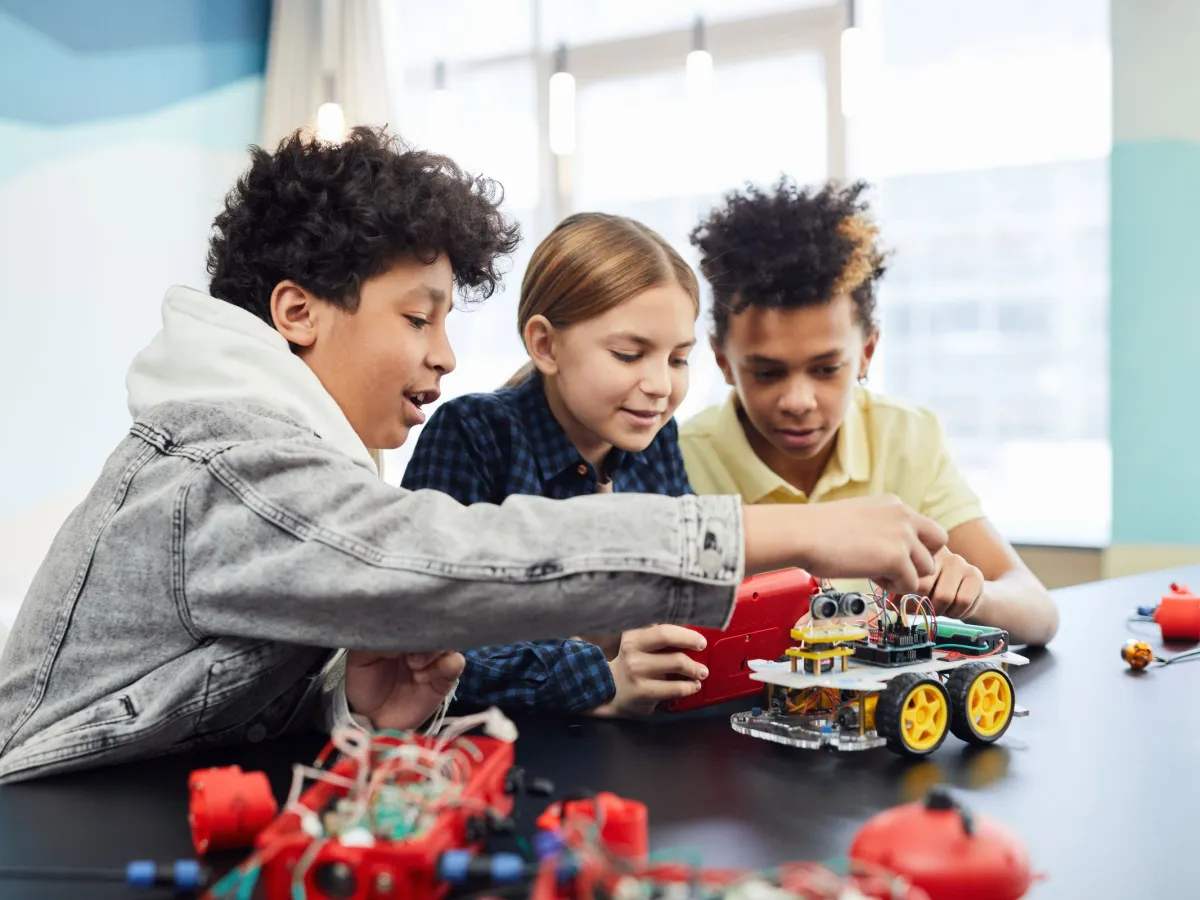
Robotics Program (New)
Build, design and program real robots.
L1 · 8–9
L2 · 10–11
L3 · 12–14
Ages 8–14
4 Months · Live classes · Certificate
Program fee $999
Enroll Now in Robotics Program — $999
Coding & Python
Build real-world projects and solve problems.
L1 · 7–8
L2 · 9–11
L3 · 12–14
Ages 7–14
4 Months · Live classes · Certificate
Program fee $999
Enroll Now in Coding & Python — $999
AI & Machine Learning
Understand AI, train models and build the future.
L1 · 9–10
L2 · 11–12
L3 · 13–14
Ages 9–14
4 Months · Live classes · Certificate
Program fee $999
Enroll Now in AI & Machine Learning — $999Digital Art & Animation
4-month program