











The parent’s guide

From first click to Demo Day.

Here is exactly how live classes work at American Prime Academy — what your child does each week, what you see as a parent, and how kids level up from beginner to advanced.

See the 5 steps
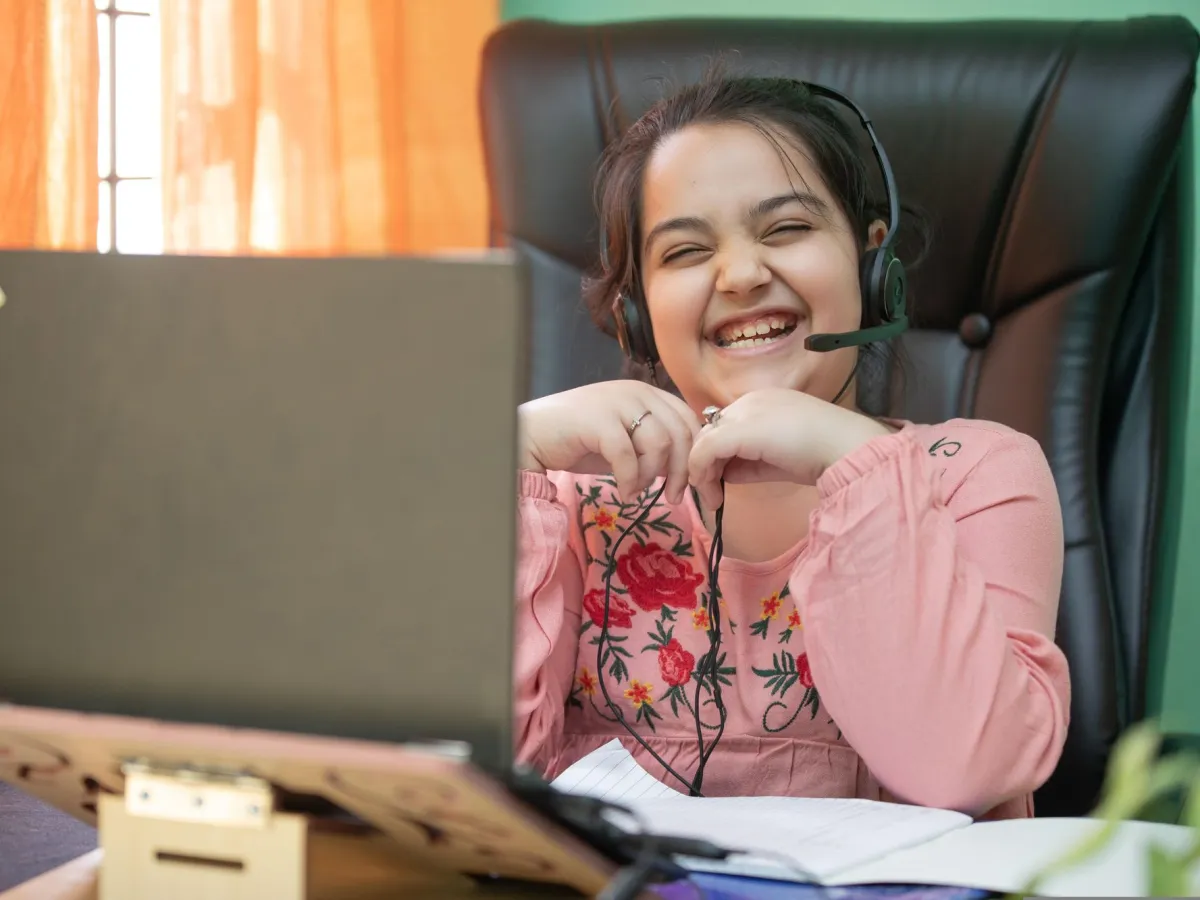
A laughing girl wearing a headset during a live online class LIVE

Next class · Tue 5:00 pm

Robotics Innovator

Level 2 · Month 3 of 4 · 62% complete

Your child's journey

Five simple steps. One proud kid.

A clear beginner → intermediate → advanced pathway — here's what happens after you say yes.

  1. 1

    Step 1

    Enroll Now

    Pick a program and enroll your child in a live small-group class — $999 for the full 4 months.

    A mother and daughter choosing a program on a laptop
  2. 2

    Step 2

    Perfect-fit level

    We match the program and level to your child's age, interests and experience.

    A teacher high-fiving a young student
  3. 3

    Step 3

    16 weeks of building

    Two live classes a week, a project every month and progress reports for you.

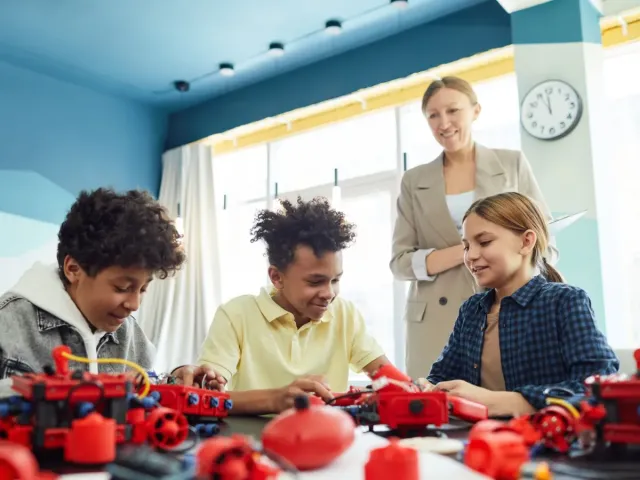
    Kids building a robot together in class
  4. 4

    Step 4

    Demo Day & certificate

    Kids present their capstone to family and friends and earn their certificate.

    Two smiling girls proudly holding up the paintings they made
  5. 5

    Step 5

    Level up

    Continue to the next 4-month level — beginner → intermediate → advanced.

    A beaming girl proudly holding up her trophy
Inside a live class

60 minutes that fly by like 5.

Every class follows the same joyful rhythm, so kids know what to expect — and can't wait for the next one.

  1. schedule0–5 min waving_hand

    Warm-up

    A quick brain-teaser or show-and-tell to get everyone excited.

  2. schedule5–20 min lightbulb

    Big idea

    The teacher introduces one new concept with a live demo.

  3. schedule20–50 min construction

    Build time

    Kids build their own version, with help exactly when they need it.

  4. schedule50–60 min emoji_events

    Show & celebrate

    Students share what they made and pick a mini-challenge for home.

diversity_3

Max 6 kids

in every live class

calendar_month

2 classes a week

for 16 weeks

timer

45–90 minutes

depending on age & subject

Three levels per program

Learning that grows with your child.

Each program has three 4-month levels — beginner, intermediate and advanced — each matched to an age band. Exact ages vary by program (most start at 7, Robotics at 8, AI at 9), and every level ends with a capstone, Demo Day and a named certificate.

Level 1 · Youngest age band toys

Beginner

Playful, visual and hands-on. Kids learn through stories, blocks, simple robots and games — no reading-heavy screens.

  • check_circleShort, high-energy sessions
  • check_circleDrag-and-drop & tangible tools
  • check_circleLots of celebration
Level 2 · Middle age band construction

Intermediate

Real tools, real logic. Kids move from blocks to typed code, sensors and strategies — and design their own projects.

  • check_circleFirst typed code & sensors
  • check_circleProblem-solving challenges
  • check_circleTeam mini-hackathons
Level 3 · Oldest age band rocket_launch

Advanced

Builder mode. Teens ship apps, train AI models, compete in tournaments and present like young engineers.

  • check_circlePython, Arduino, AI & more
  • check_circlePortfolio-ready capstones
  • check_circleCompetition preparation

Not sure where your child fits? A program advisor will help you pick the right level — request a call back.

For parents

You're part of the team, too.

Busy family? We built everything around making your life easier — and your child's progress easy to see.

A mother and daughter looking at a laptop together at home Progress report sent Class recording ready

Monthly progress reports

Clear notes on skills mastered and what is next.

Every class recorded

Missed a class? Watch the recording and book a free make-up.

Flexible scheduling

Weekday evenings and weekends across US time zones.

Certificates & Demo Day

A real stage for your child to present their capstone.

Safety you can trust

Background-checked teachers, closed classrooms, no public chat.

A real human for parents

Your parent success manager is one message away.

A girl happily working on her laptop at a sunny desk That's all it takes!
Getting ready

What you'll need

Good news: probably nothing new. Here's the simple checklist.

  • laptop_mac A laptop or desktop Windows, Mac or Chromebook
  • videocam A webcam & mic Built-in is perfect
  • wifi Stable internet Video-call quality is plenty
  • precision_manufacturing Robotics kit Robotics only — recommended, not included; we help you choose one
Parents say it best

It works. Just ask them.

starstarstarstarstar
“Aiden used to spend weekends on video games. Now he spends them building robots and explaining sensors to his grandpa. The Demo Day was the proudest moment of our year.”
Photo of Jennifer M. Jennifer M. Parent of Aiden, 9 — Junior Robotics Explorer
starstarstarstarstar
“The teachers are magical with young kids. Anaya finished her first animated story in week three and has not stopped creating since.”
Photo of Rahul & Priya S. Rahul & Priya S. Parents of Anaya, 7 — Code Explorer
starstarstarstarstar
“Ethan built a weather app that pulls live data. The jump from Scratch to real Python was perfectly paced — challenging but never overwhelming.”
Photo of David K. David K. Parent of Ethan, 12 — Python Pro